Visual entertainment · Android
Prank Studio
Turn your screen into the perfect harmless surprise.
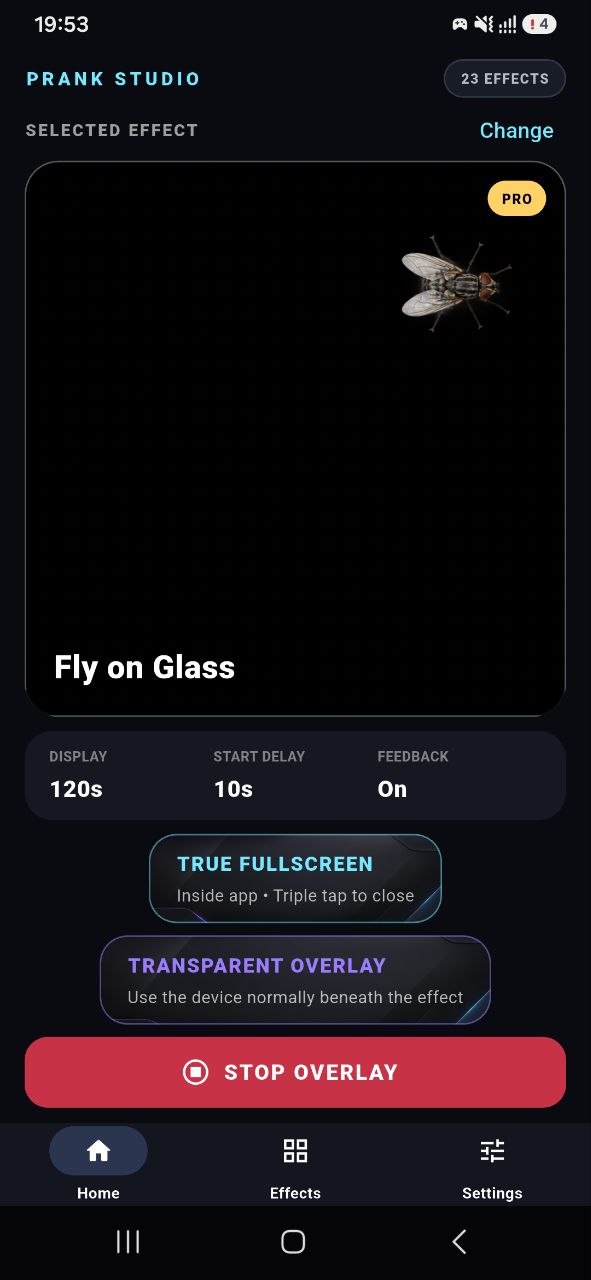
Prank Studio puts a library of screen-effect simulations at your fingertips. Choose an effect, set the timing, and display it in true fullscreen or as a transparent overlay while you continue using the device underneath.
Package: com.stdev.prankstudio
What it can do
Set the scene.
Choose the moment.
Browse a visual library, adjust the timing, and choose how the simulation appears. Everything stays easy to start and easy to stop.
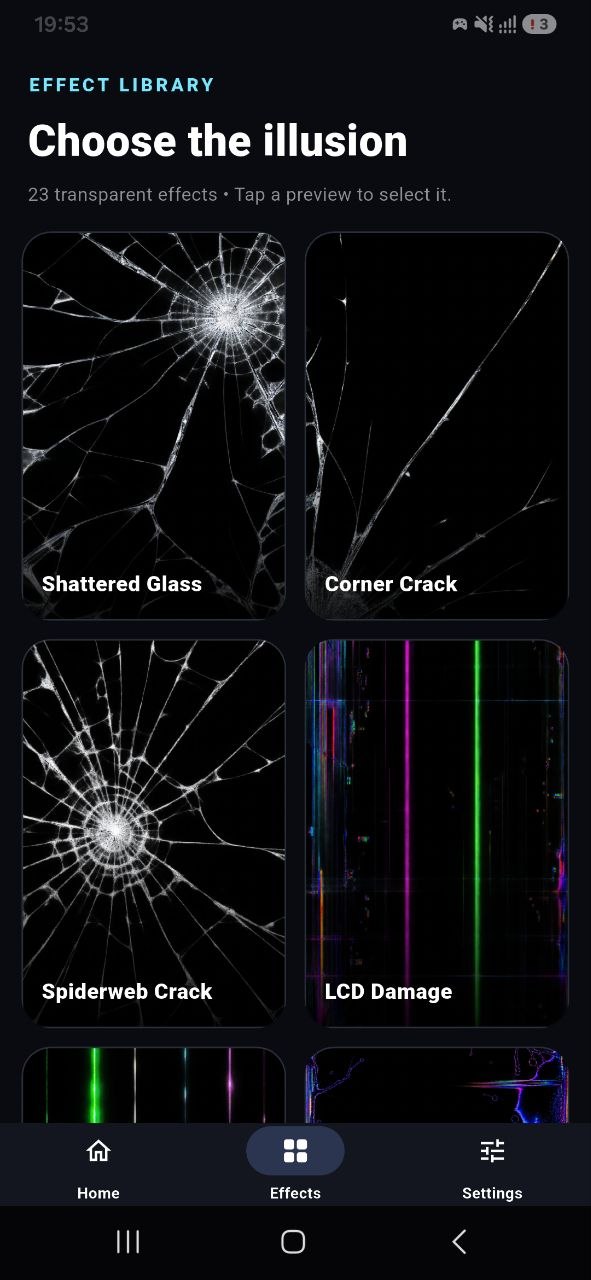
Cracked glass, LCD damage, screen lines, insects, hair, and more
True Fullscreen mode for an immersive visual simulation
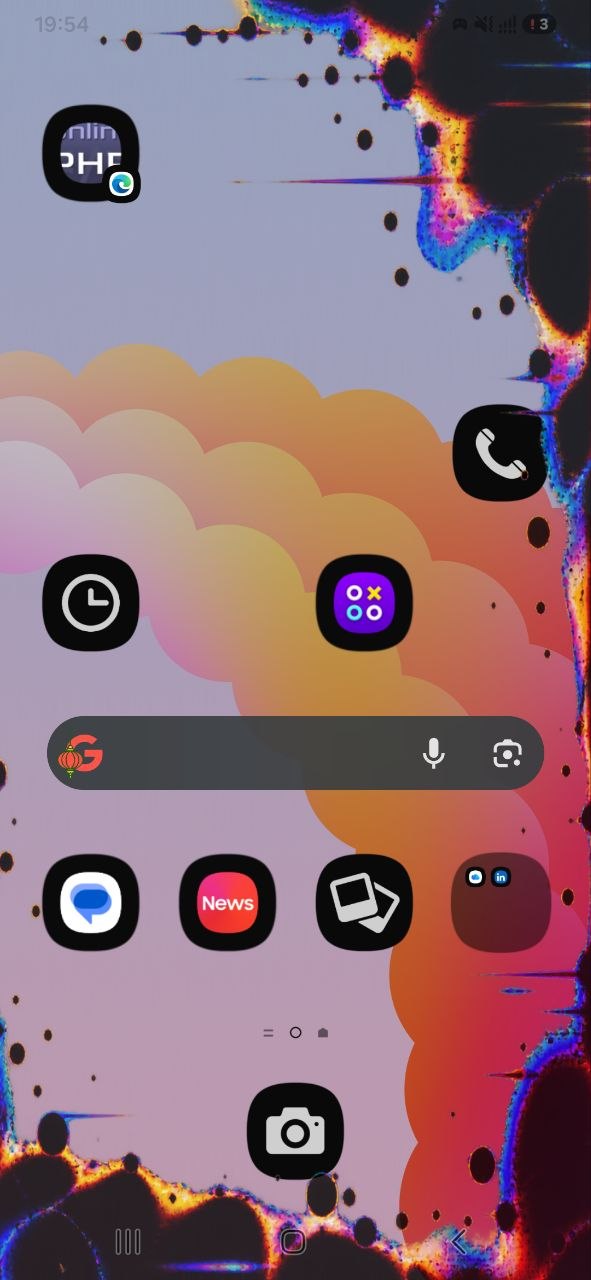
Transparent Overlay mode that leaves the device usable underneath
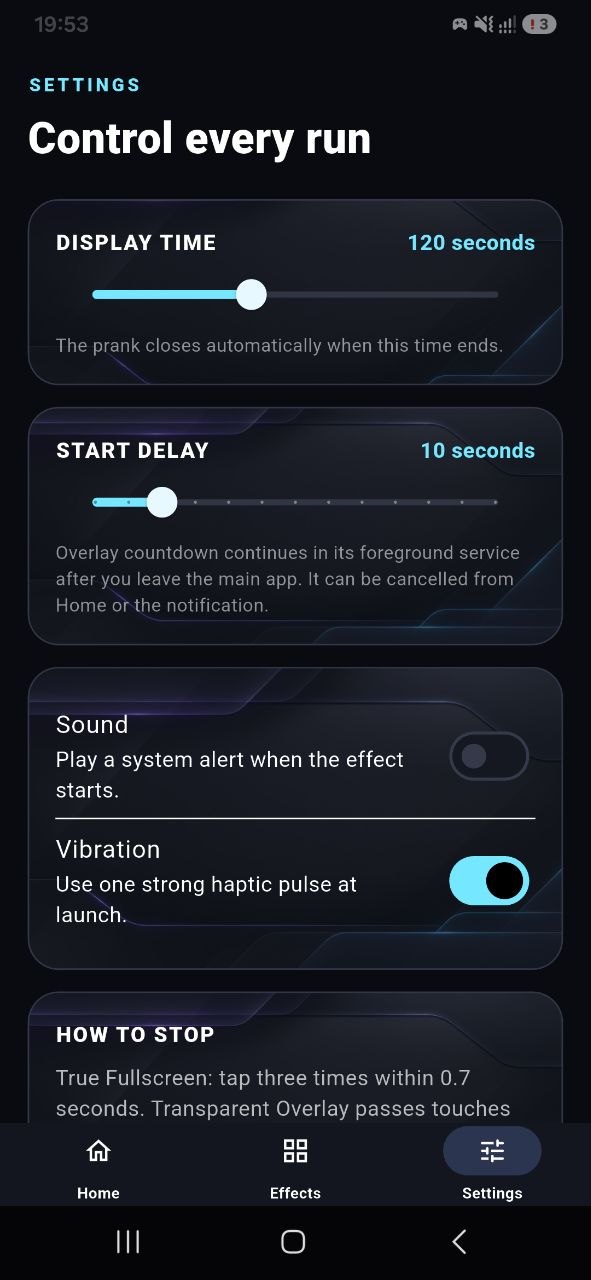
Display duration from 5 seconds to 5 minutes
Optional start delay, sound, and vibration controls
Automatic stop timer and clear manual stop controls
Inside the app
Dark, direct, and built around the effect.
Permission transparency
Fun should never be confusing.
✓Every effect is started by the user.
✓Effects are visual simulations and cannot damage, repair, or diagnose a screen.
✓Overlay permission is used only to display the selected visual effect.
✓The app does not read or capture content shown beneath an overlay.
Ready to try it?