Halloween prank entertainment · Android
Nightmare Prank
Build the perfect scare — then choose the moment.
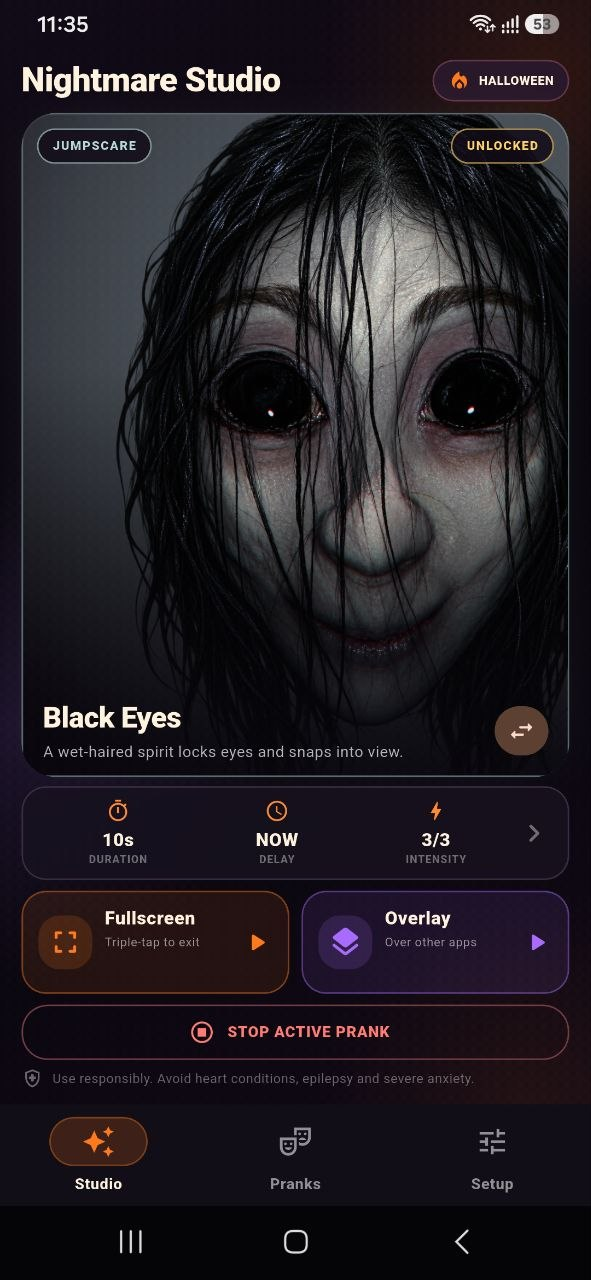
Nightmare Prank turns an Android screen into a controlled Halloween surprise. Choose from Western and Asian horror faces, animated broken-screen effects, water, fire, glitches, insects, and other moving overlays, then tune the delay, duration, intensity, sound, and vibration before starting the prank.
Package: com.stdev.nightmareprank
Inside the scare
Set the scene.
Choose the moment.
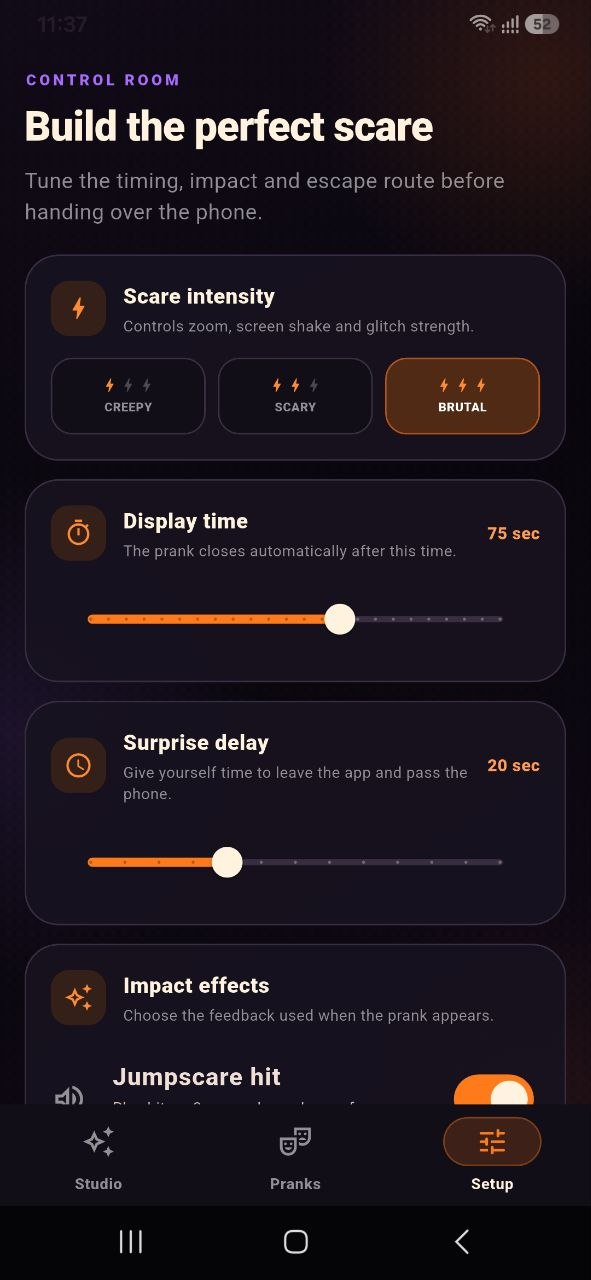
Pick a horror face, screen simulation, or moving crawler. Then tune exactly when it appears, how long it stays, and how intense the surprise should feel.
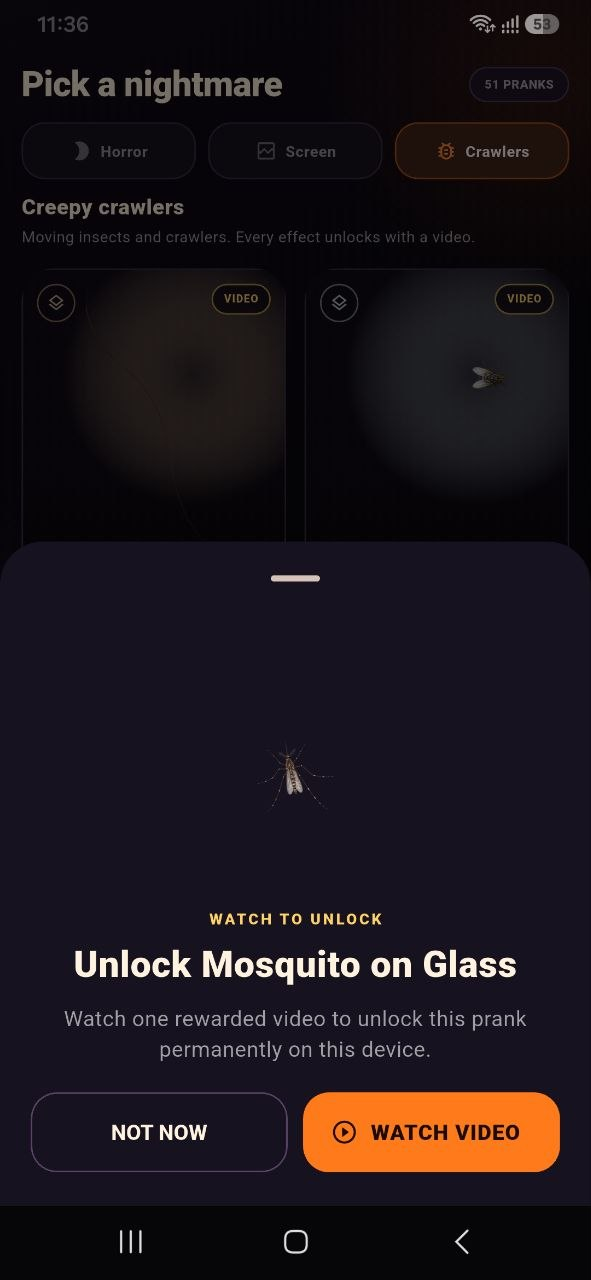
51 pranks across Horror, Screen, and Crawlers collections
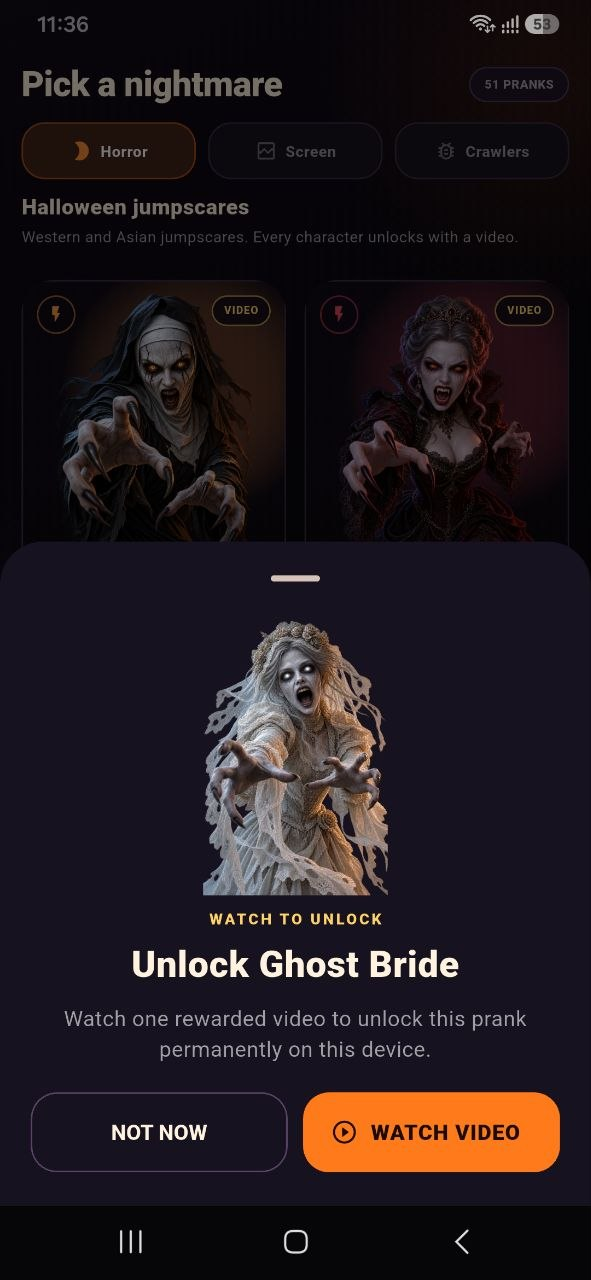
Western and Asian-inspired horror faces with sudden jumpscare animation
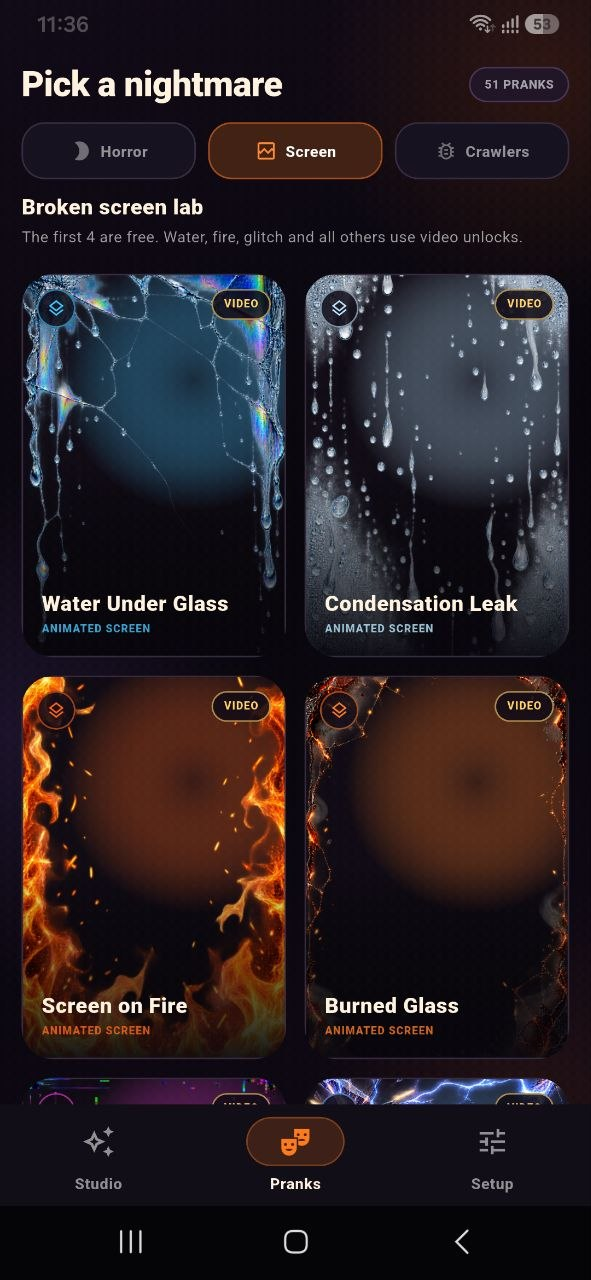
Animated cracked glass, water, fire, glitch, lines, and screen damage
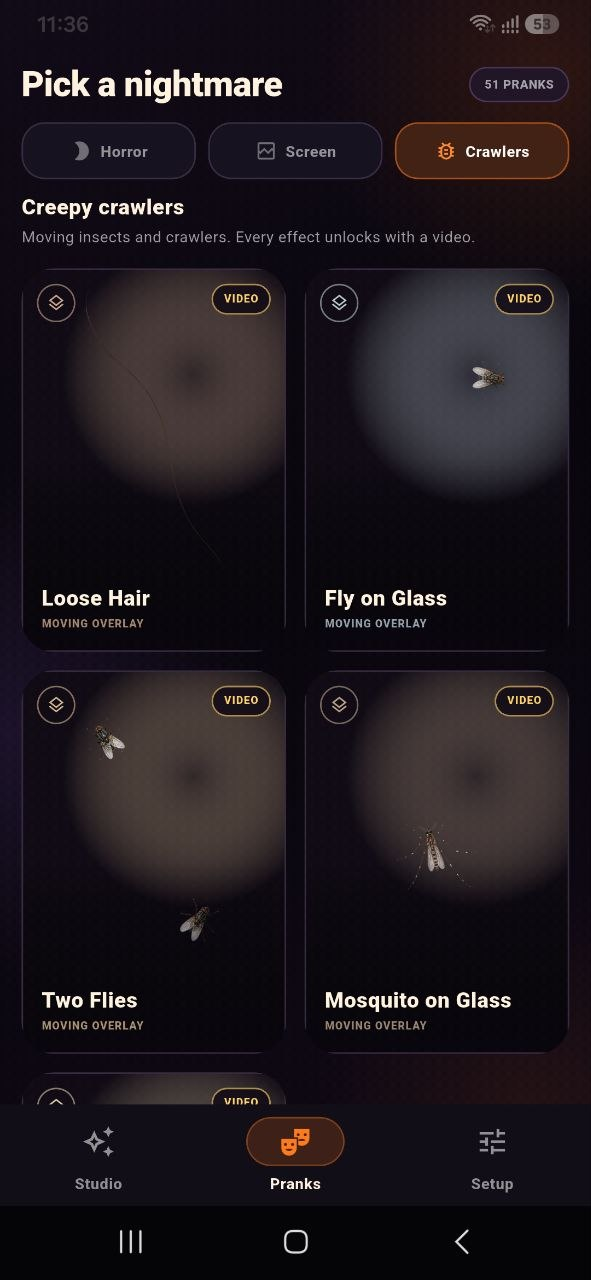
Moving insects, mosquitoes, flies, loose hair, and transparent overlays
Fullscreen and Display over other apps modes with clear exit controls
Adjustable surprise delay, display time, intensity, sound, and vibration
Optional rewarded videos that permanently unlock eligible effects on the device
App screenshots
Horror, screen chaos,
and moving crawlers.
Safety and transparency
A strong scare.
Clear control.
✓Every prank is selected and started by the user, with visible stop controls.
✓Horror effects can appear suddenly with sound and vibration. Do not use them around people with heart conditions, epilepsy, severe anxiety, or a strong sensitivity to flashing or startling content.
✓Overlay permission is used only to draw the selected effect above other apps. Nightmare Prank does not read or capture the content underneath.
✓The app does not request camera, microphone, location, contacts, or photo-library access.
Your privacy
Know what the app uses — and what it does not.
Nightmare Prank has no account system and does not request camera, microphone, precise location, contacts, or photo access. Read the app-specific policy for details about local settings, permissions, and advertising.
Google Play